Step 1: Make sure you have a connected email account:
In your Wholix account, navigate to the “Email” module on the left side of your screen.
Check that you have at least one email inbox connected.
If you have no email account connected please follow the article on how to connect your email account with Wholix: https://help.wholix.ai/en/collections/3-setting-up-your-email-accounts

Step 2: Add your personalized signature:
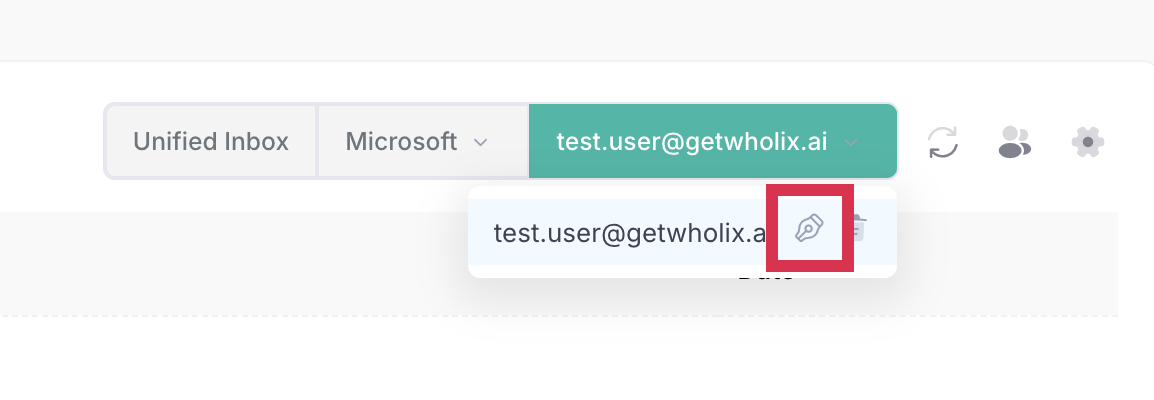
Click on green box.
A drop down menu will appear:

Click on the signature icon
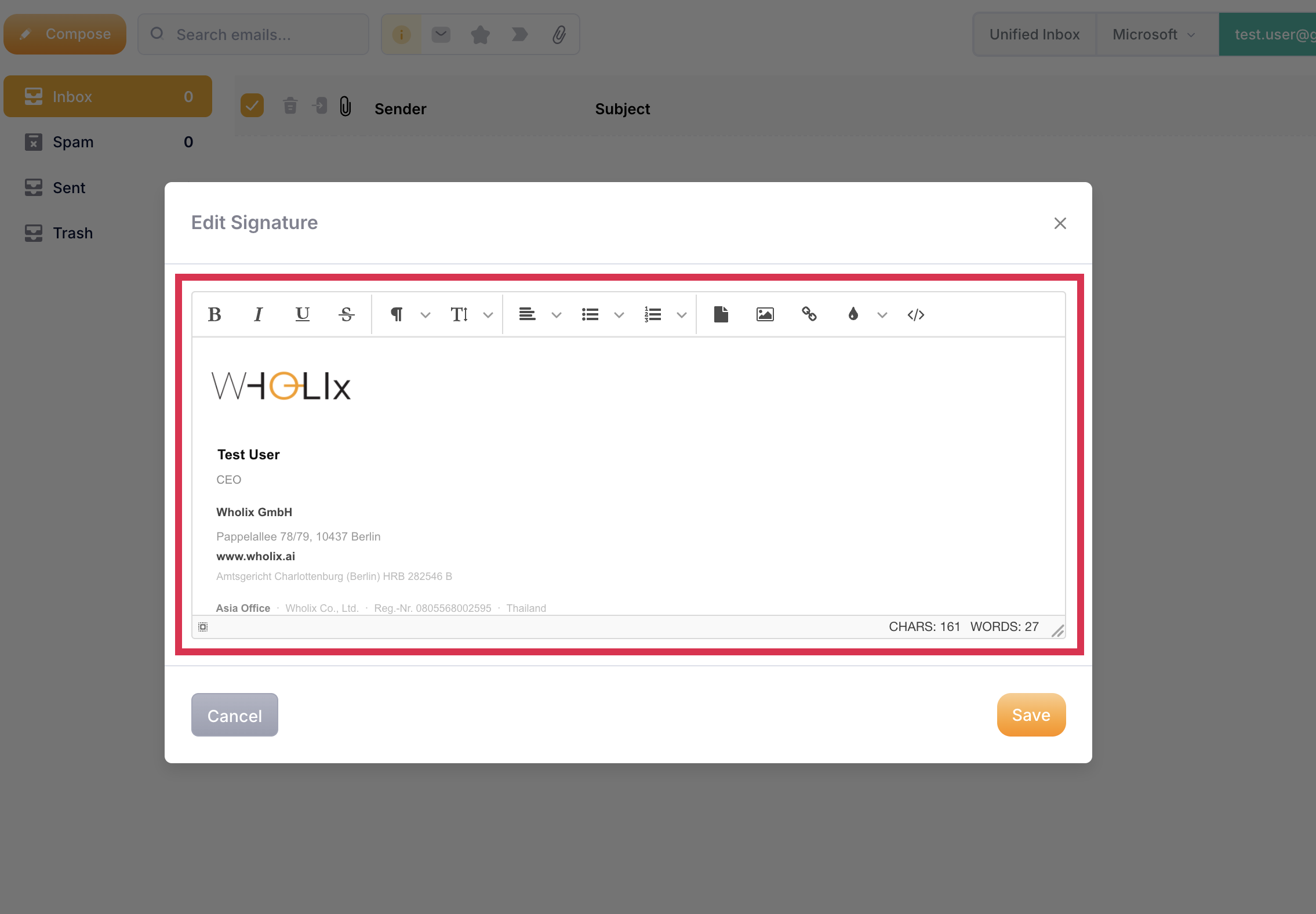
Copy & paste your signature into the text box and click on “save”.